

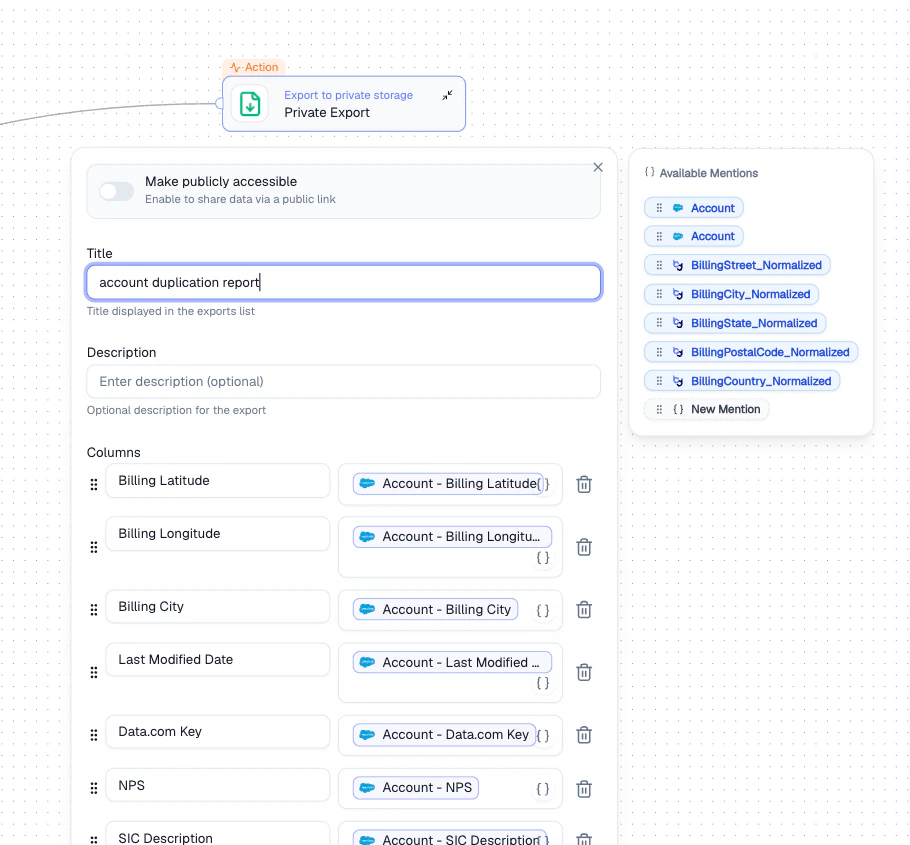
Private Export node - title, description, and column selection
Configuration
How It Works
1
Name the export
Set a title and optional description for easy identification.
2
Select columns
Choose which fields to include using Mentions to reference upstream data.
3
Set visibility
Toggle Make publicly accessible if you need a shareable link.
Output
Exports are available under Exports in the sidebar after the Agent runs.Best Practices
- Include only the columns needed to keep exports clean and focused
- Use descriptive titles so exports are easy to find later
- Only enable public access when sharing externally is necessary
Related Nodes
- Export to CSV - exports data to a CSV file or Google Sheet
- Upload File - uploads files to a connected cloud storage integration