

The Data Map
The map shows all systems and their relationships - including connections that don’t exist as direct integrations. BonData’s AI analyzes metadata and hashed data to surface relationships you may not have known about.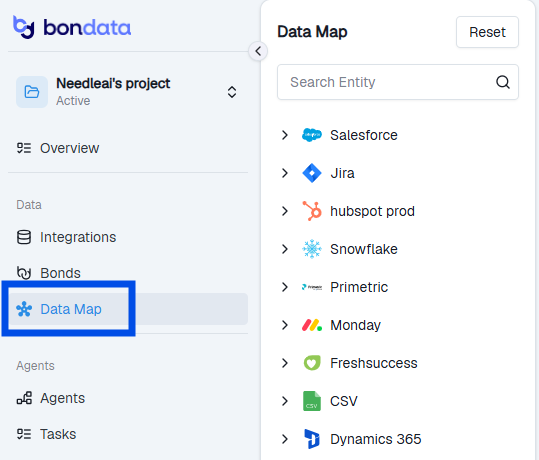
The Data Map showing connected systems and discovered relationships
Review suggested Bonds
Toggle Show Suggestions on the map, or go to the Suggested Bonds section directly. These are connections BonData has identified based on how your data and metadata align across systems.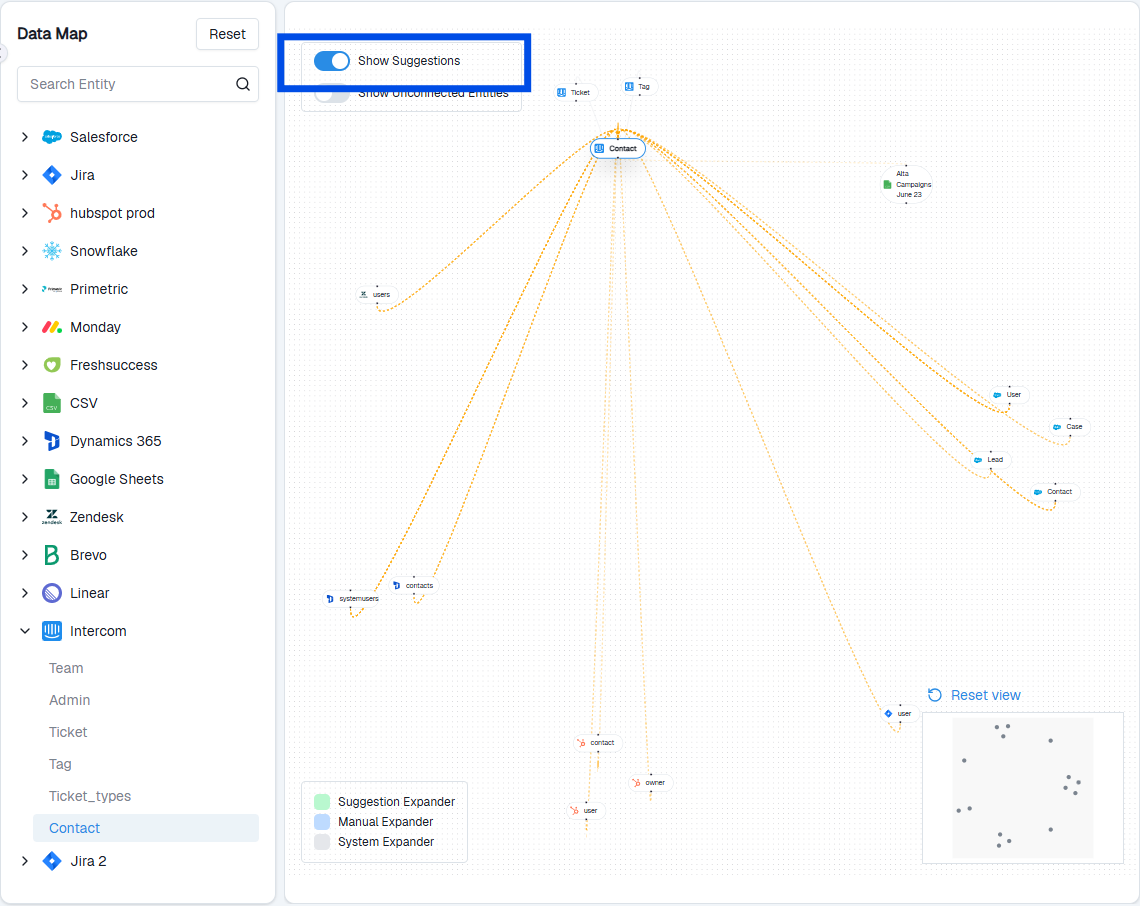
Suggested Bonds with probability scores
- Confirm - the connection is valid
- Reject - the connection doesn’t apply
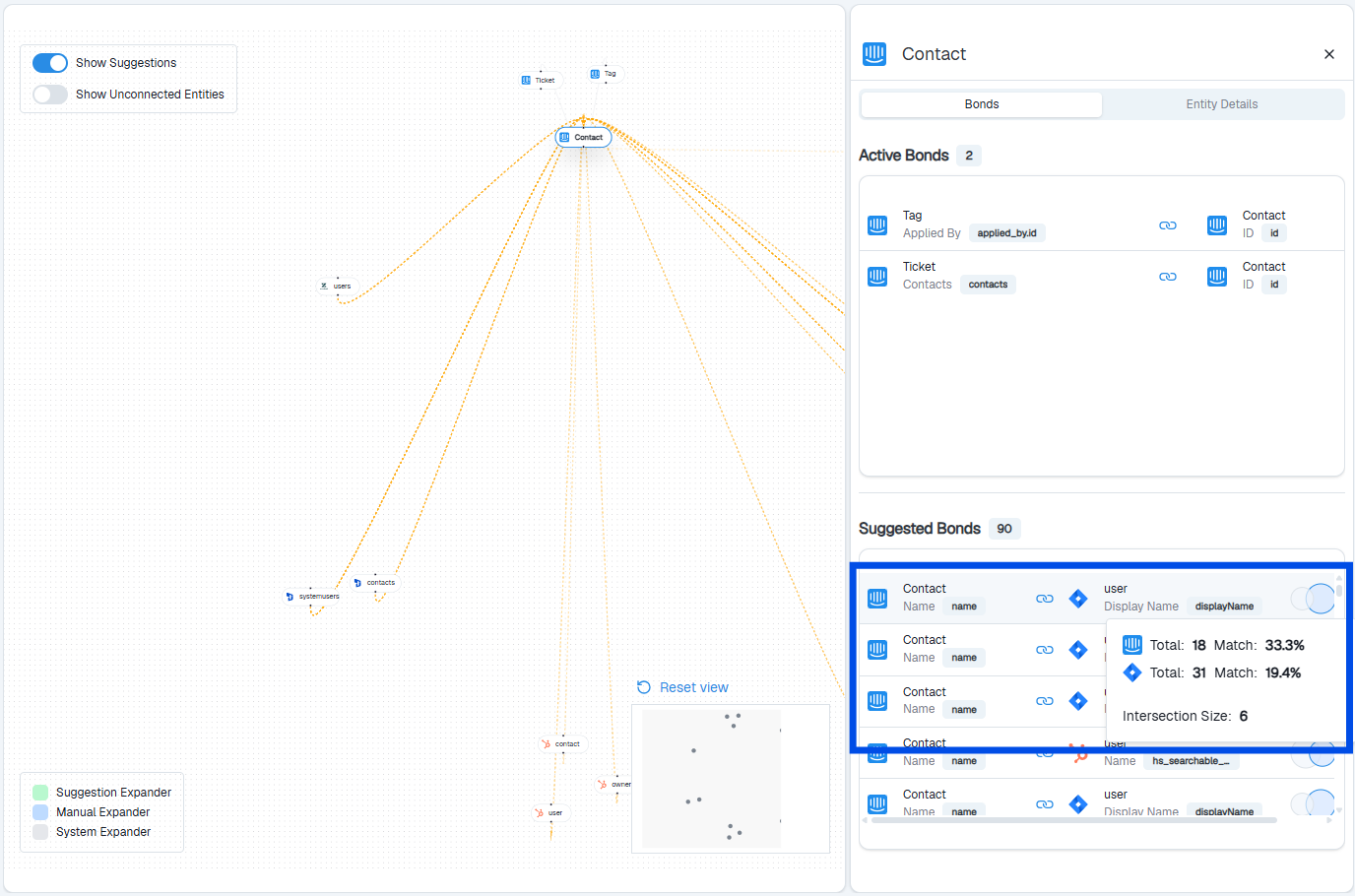
Bond details showing matching fields and confidence
Filter and navigate
Use the search and filter panel on the left to focus on specific systems or entities.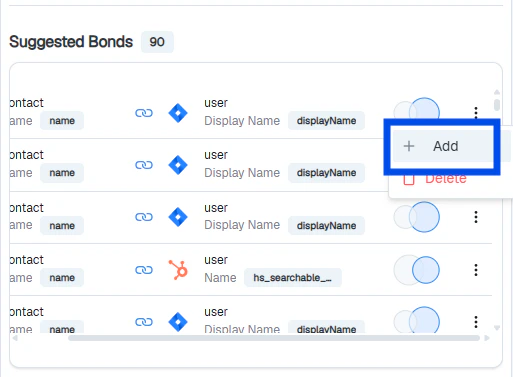
Filtering bonds by system
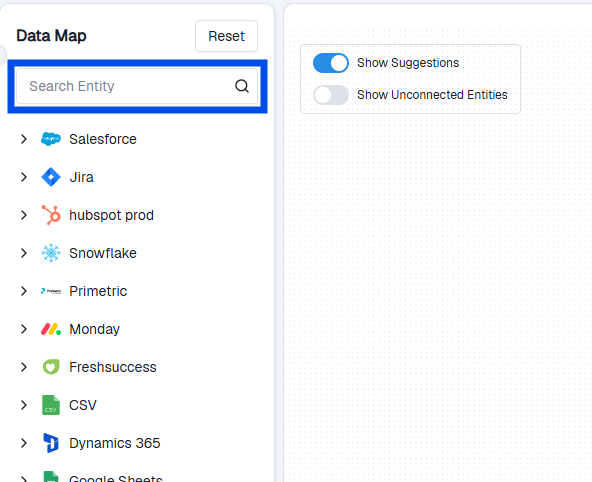
Entity detail drawer showing active and suggested bonds
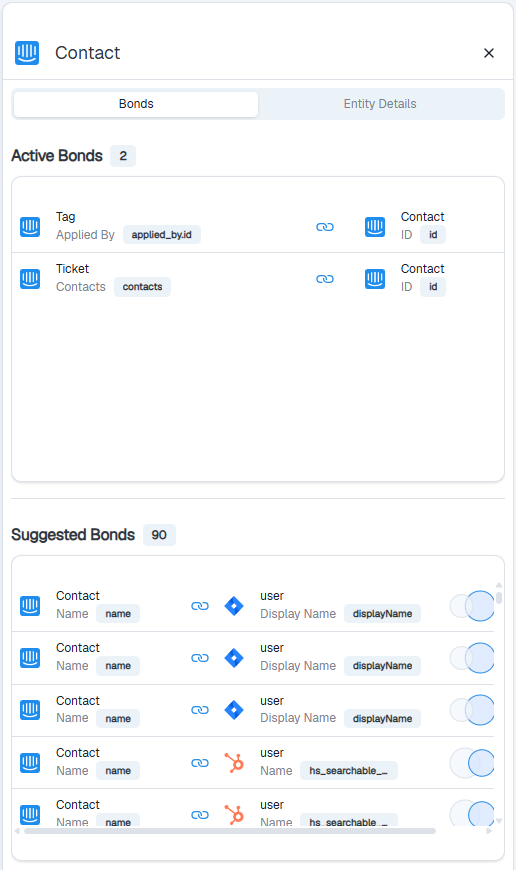
Approving or rejecting a suggested bond from the drawer
Data security
BonData does not store your raw data. It only keeps metadata, connection details, and hashed values. Data is accessed only when needed to run an Agent. The platform is GDPR and SOC II compliant.What’s next
Set up your first Agent
Create an automated workflow across your connected systems.