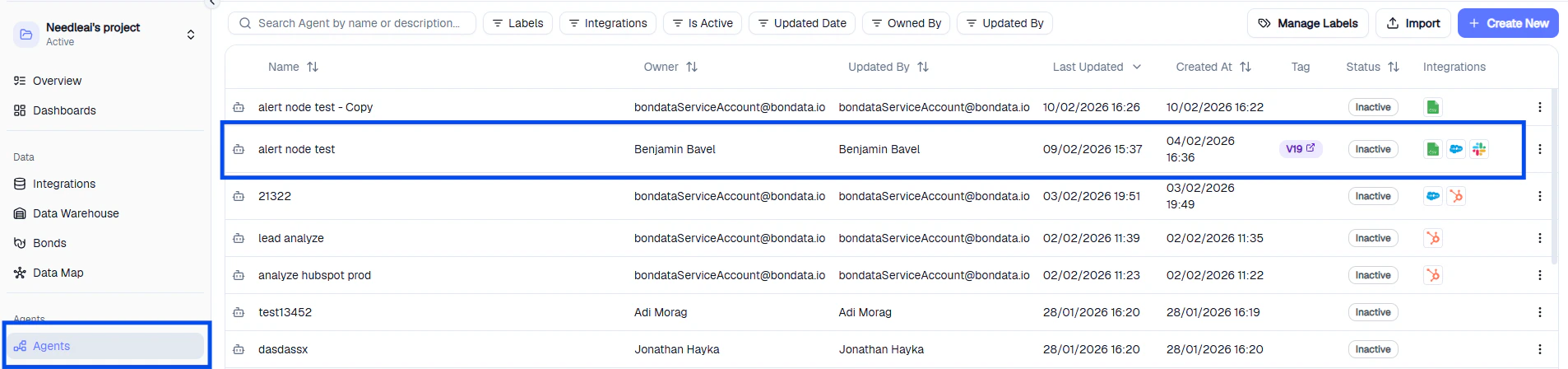
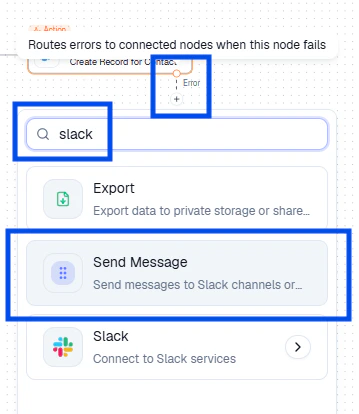
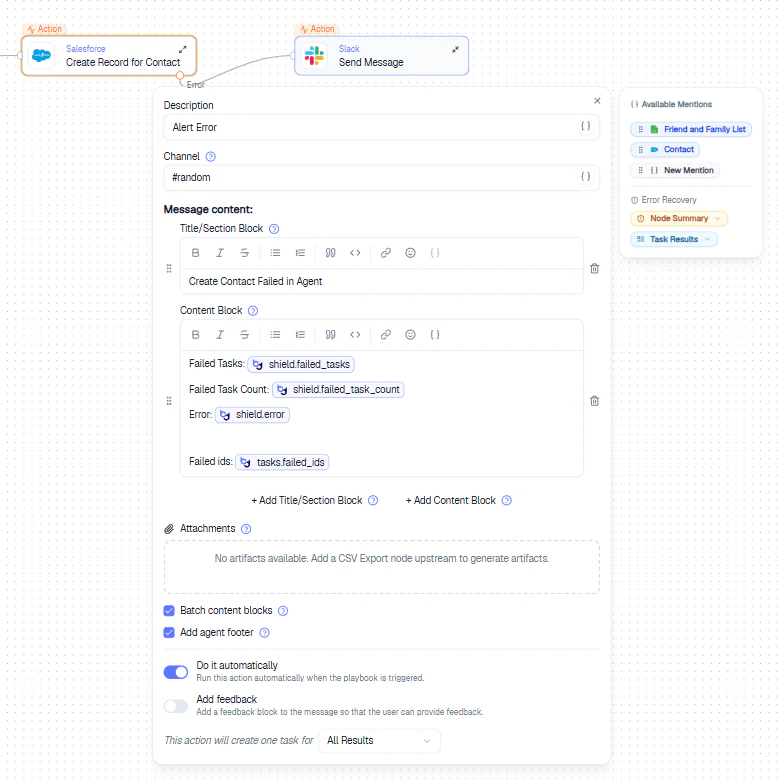
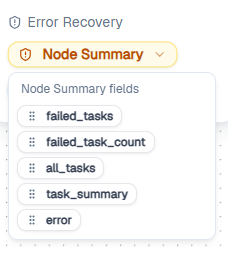
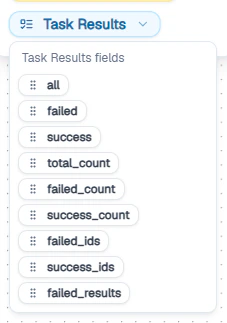
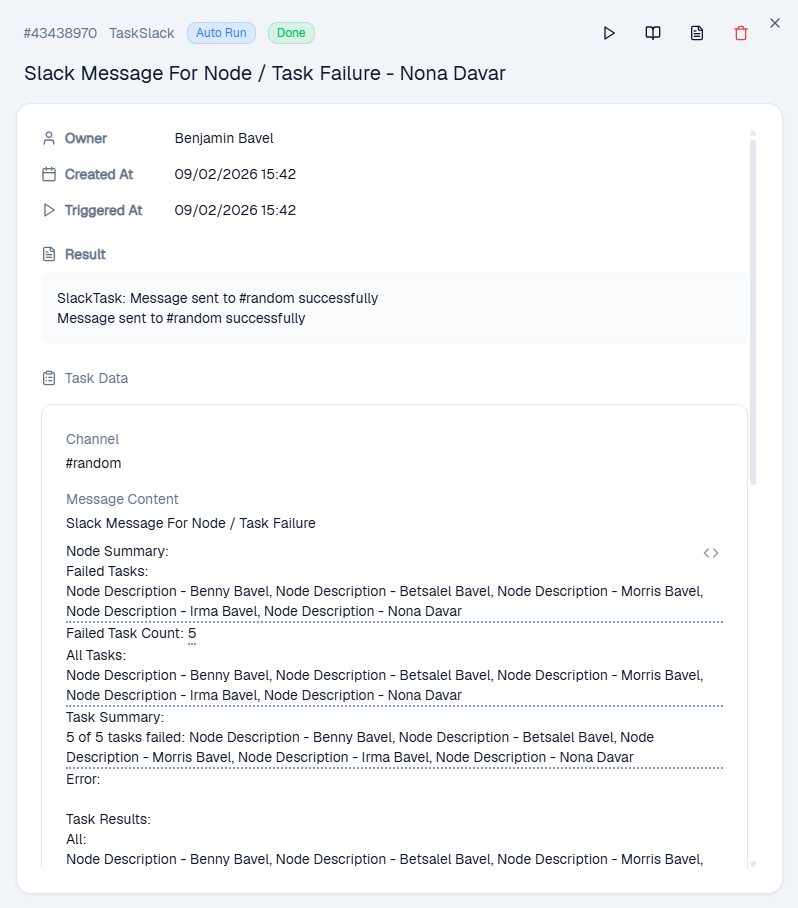
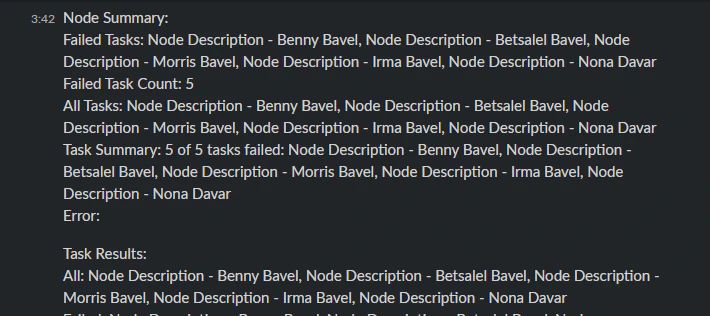
Failure alerts automatically notify you when an Agent node encounters an error. Each alert includes the failed Agent, relevant record IDs, success/failure counts, and diagnostic details.
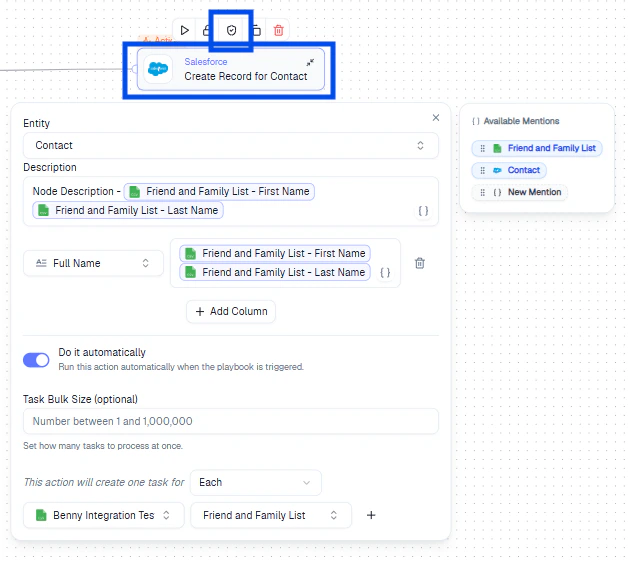
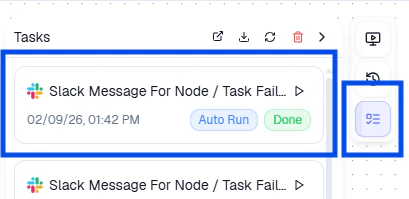
An Agent creates Salesforce contacts. One node maps the Full Name field - but Salesforce requires First Name and Last Name separately. The record creation is rejected. With a failure alert configured, a Slack message fires immediately with the error details, so you can fix the field mapping.
Use Node Summary for quick alerts and Task Results when you need full error details for debugging.