

Agent Dashboard
Access the dashboard via the three-dots menu next to the Activate button, then select Agent Dashboard.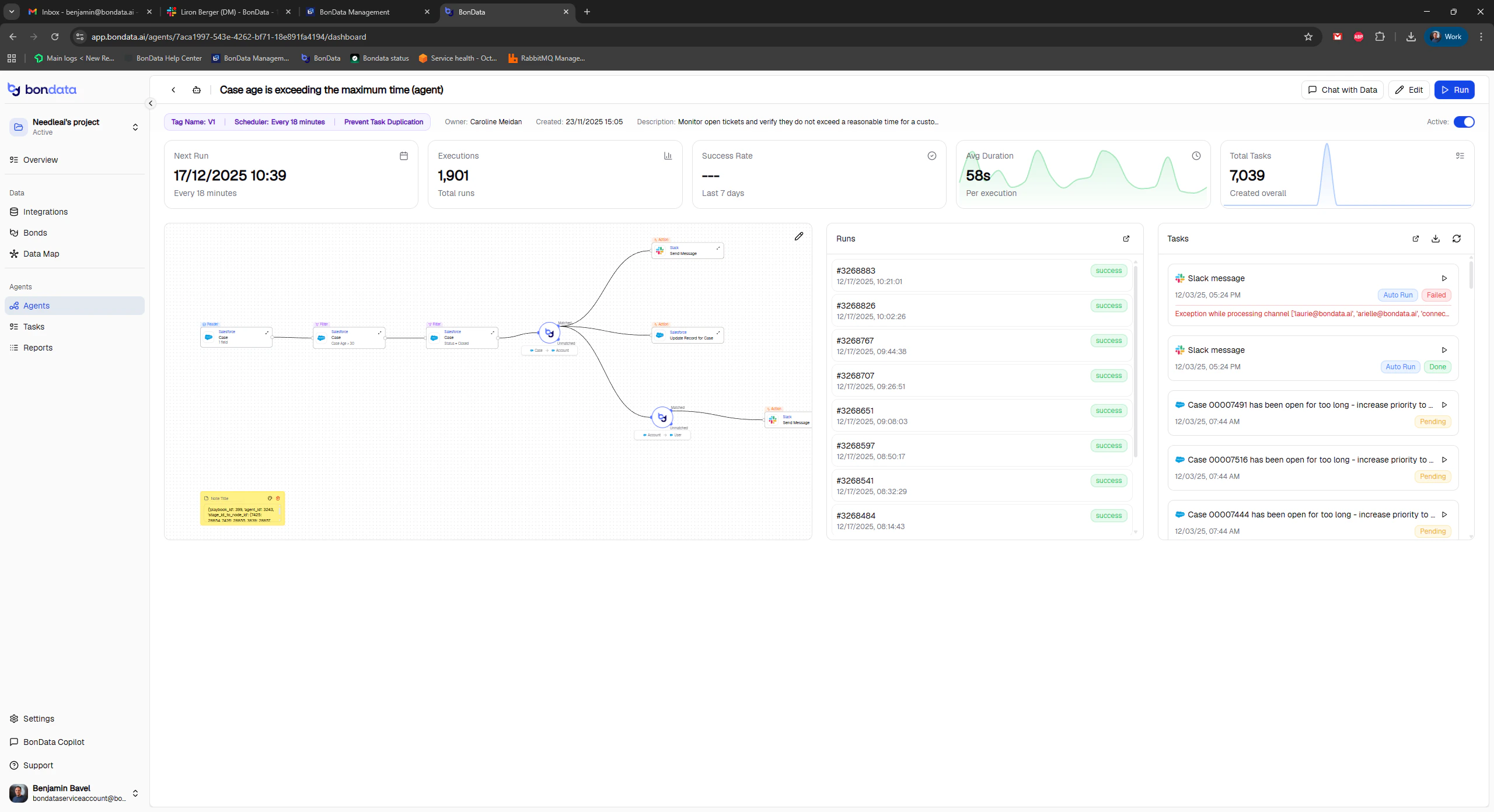
Agent Dashboard with execution metrics
Key metrics
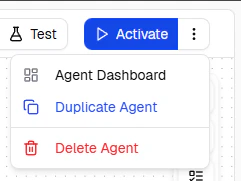
Dashboard details with run history
Report
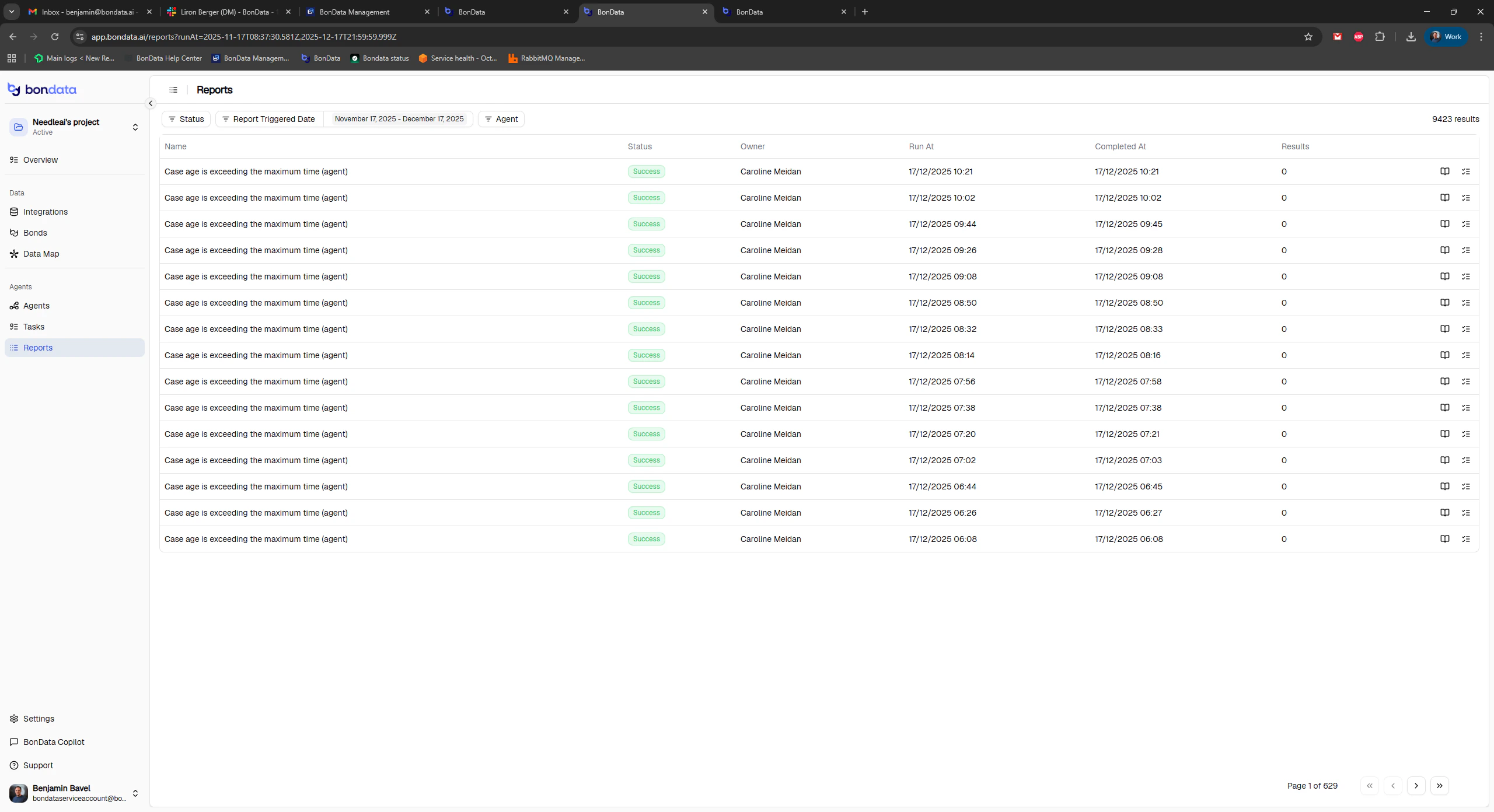
The Report page shows execution-level data: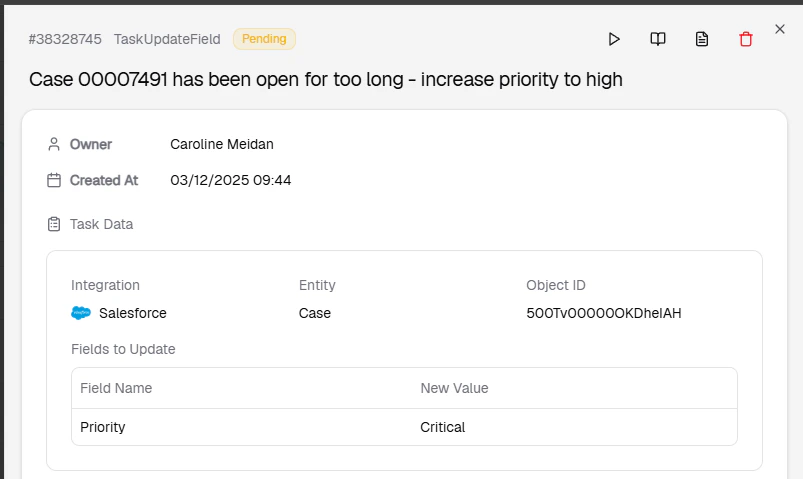
Execution report with timestamps and status
Tasks
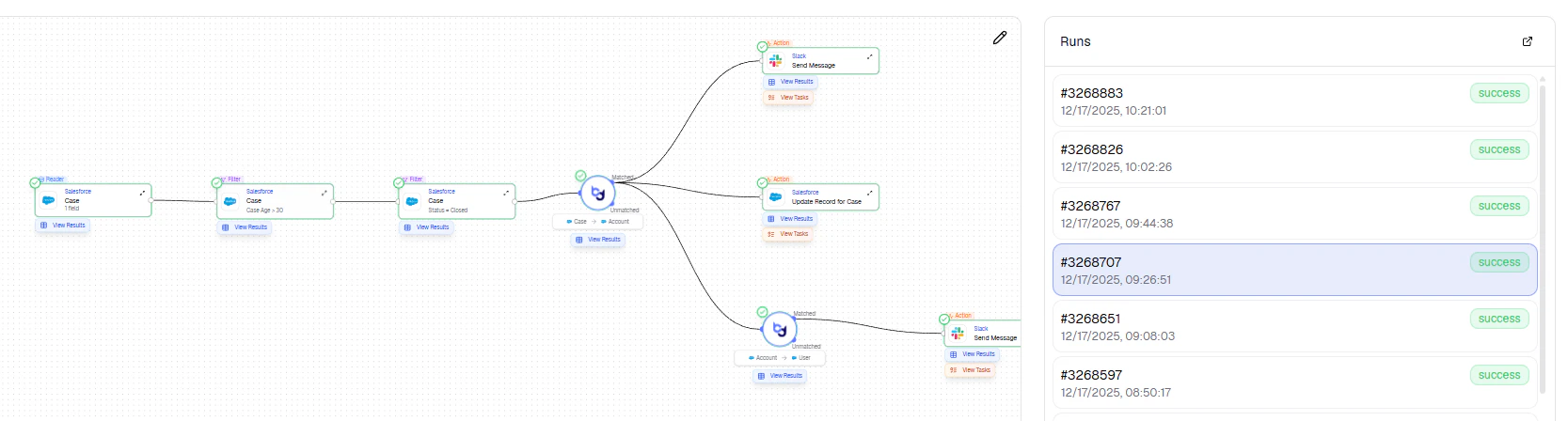
Task list showing individual task statuses
- Status - Success, Failed, or Pending
- Error messages - permission issues, invalid data, field mismatches
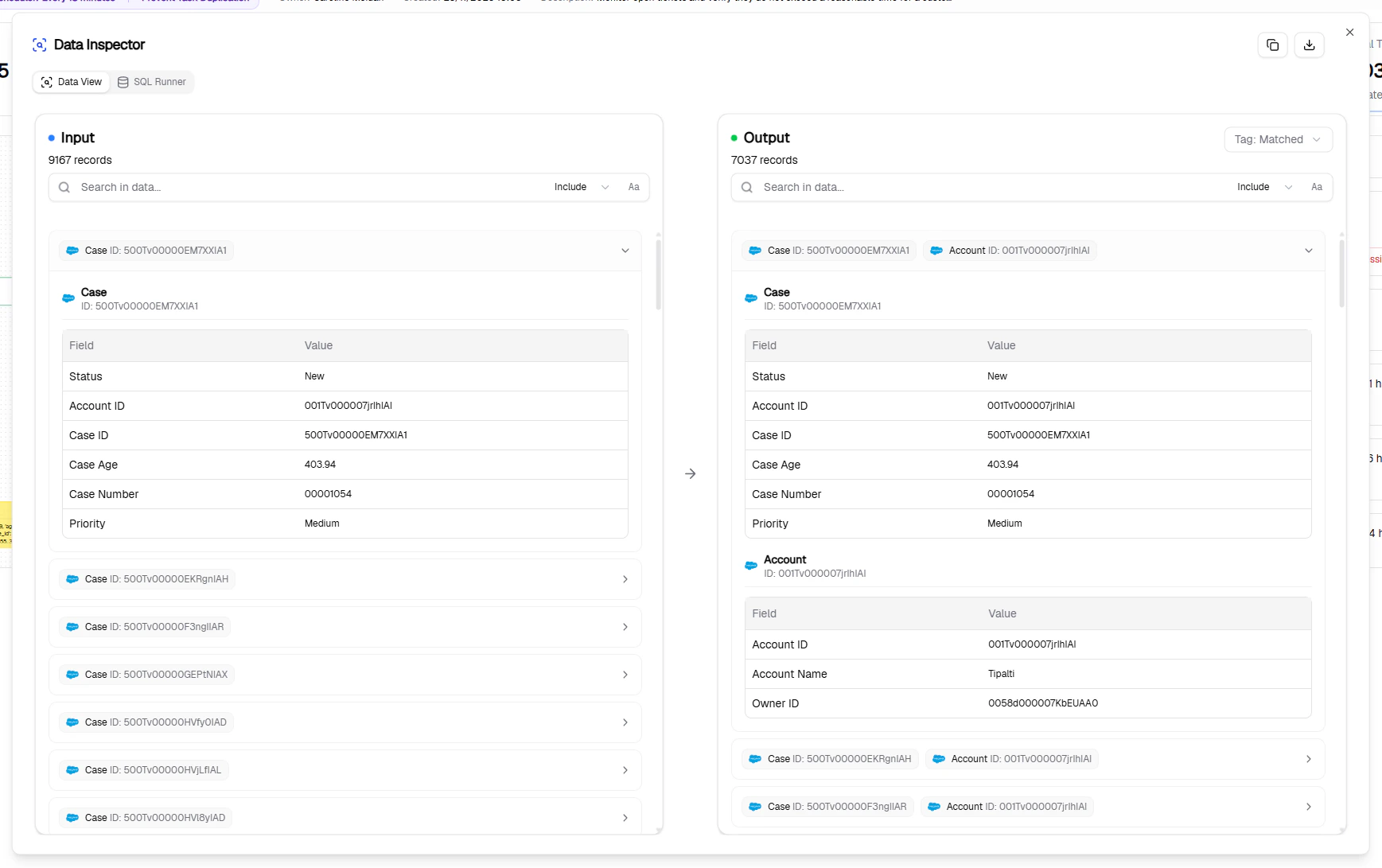
Task detail with error information
Expanded task output view
Data load status
Before an Agent can run, both metadata and data must be loaded for the relevant entities.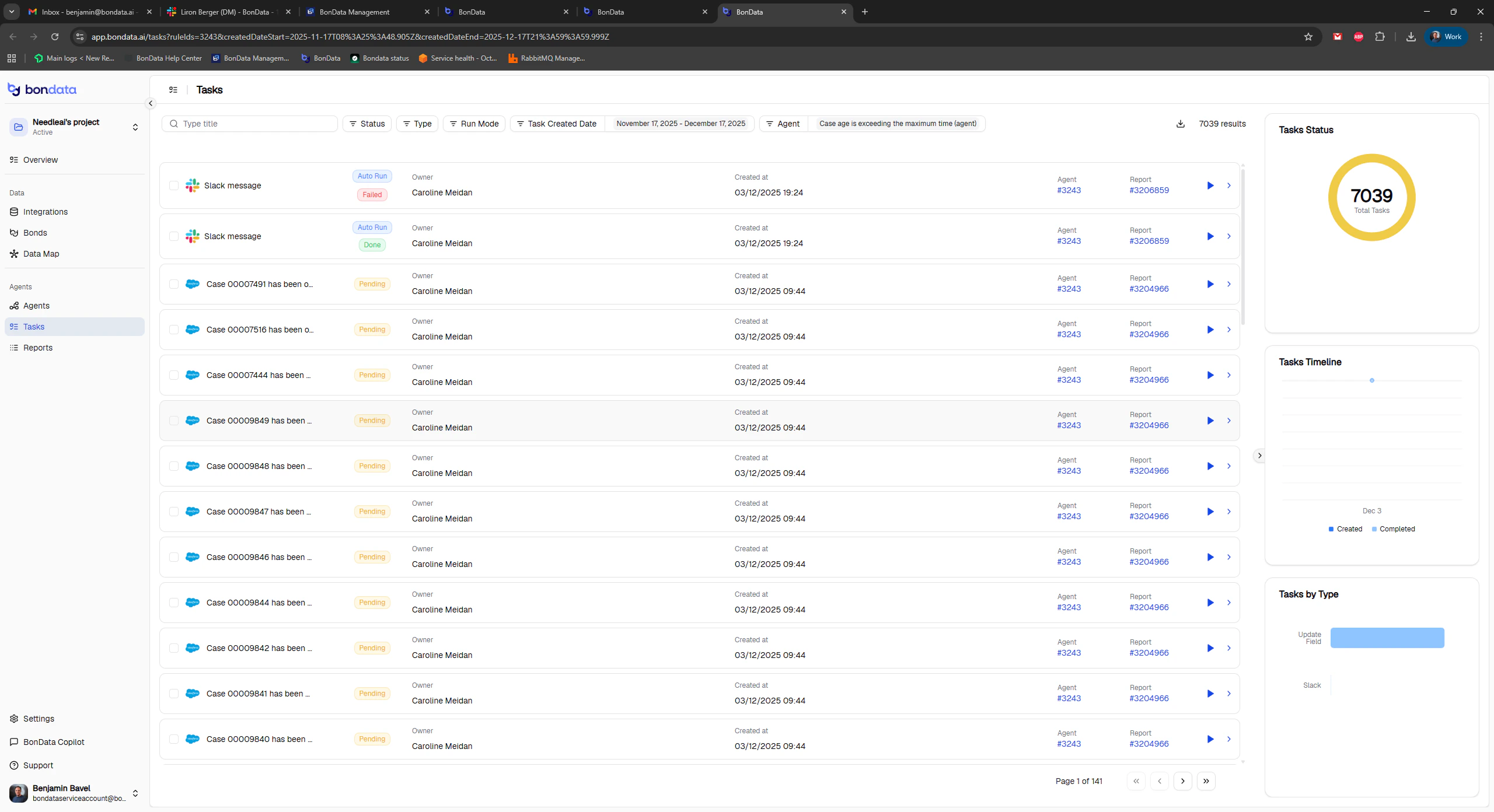
Checking data and metadata load status
Verify load status
- Go to Integrations and find the relevant entity
- Check that Data Status shows Done
- Check that MetaData Status shows Done
Trigger a manual reload
If data has changed significantly: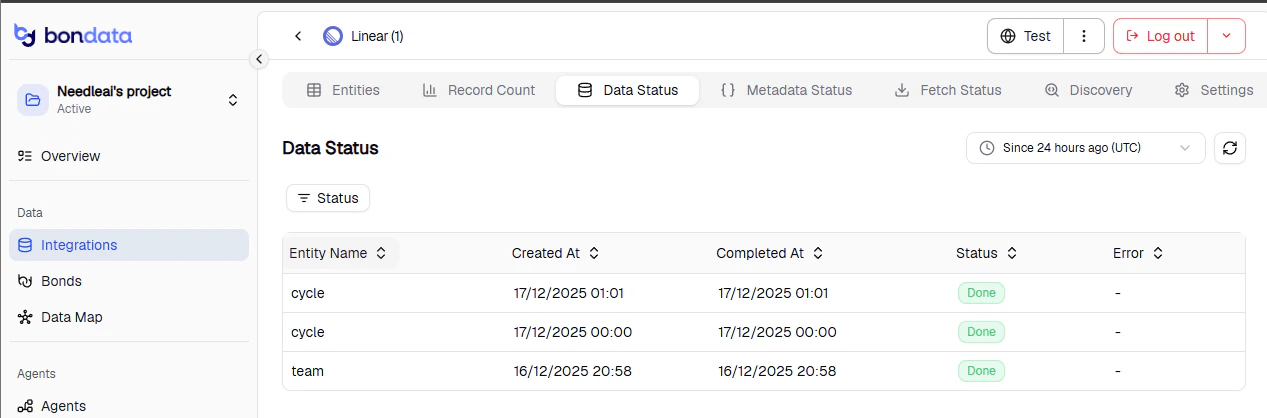
Manual reload option in the integration menu
- Click the three-dots menu next to the Test button
- Select Load Metadata - wait for completion
- Select Load Data to fetch recent updates
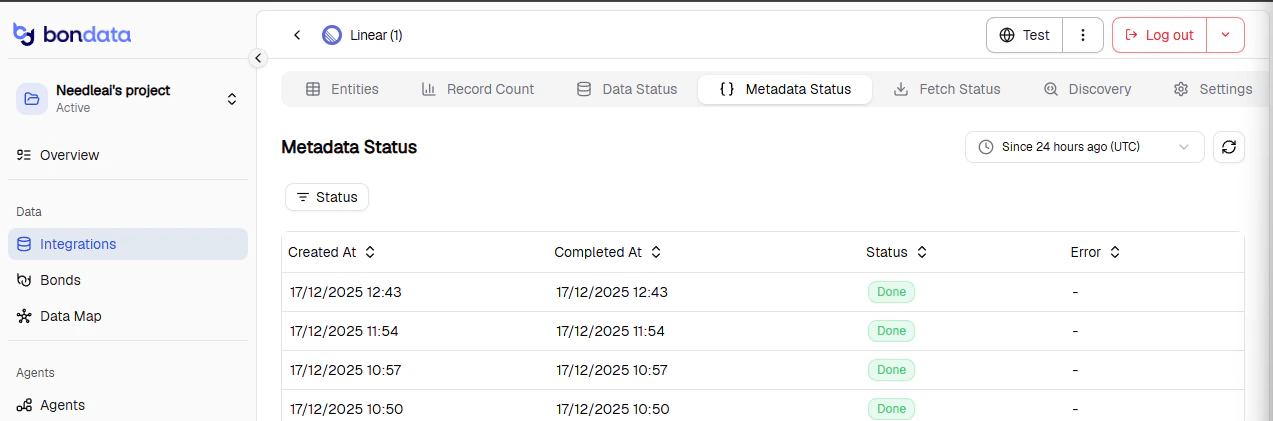
Load status after manual reload