> ## Documentation Index
> Fetch the complete documentation index at: https://docs.bondata.ai/llms.txt
> Use this file to discover all available pages before exploring further.
# Understanding Bonds
> How BonData connects data across your systems
Bonds define how data in one system relates to data in another - matching and linking records that describe the same customer, product, or supplier. This is entity resolution, the core of master data management, and it's the foundation for a single trusted view and every cross-system workflow in BonData.
## Bonds vs. Suggested Bonds
| | Description |
| ------------------- | -------------------------------------------------------------------------------------------------------------------------------------- |
| **Bonds** | Confirmed connections between systems. Specify which fields are linked and how records match. |
| **Suggested Bonds** | AI-generated recommendations. BonData analyzes metadata and hashed data to find potential relationships, each with a confidence score. |
## The Bonds page
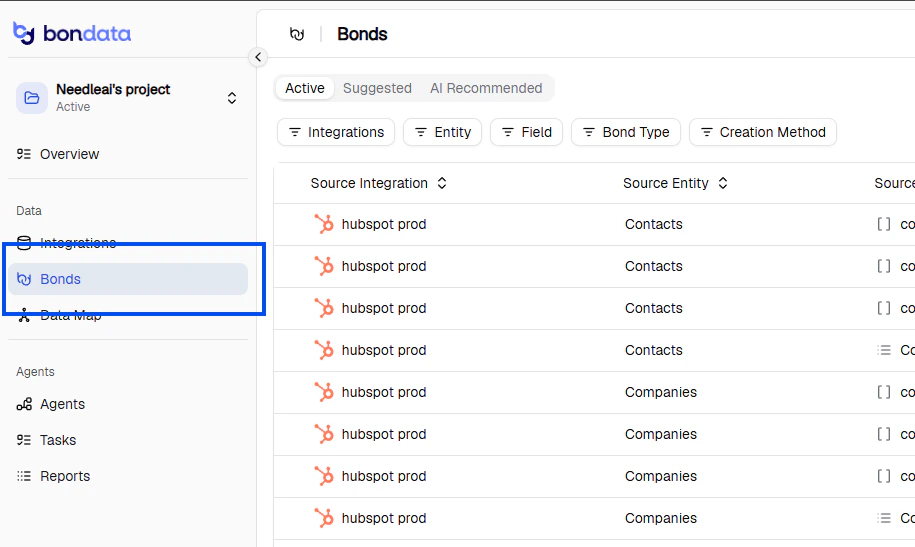
Navigate to **Bonds** in the sidebar to manage all your data relationships.
 ### Active tab
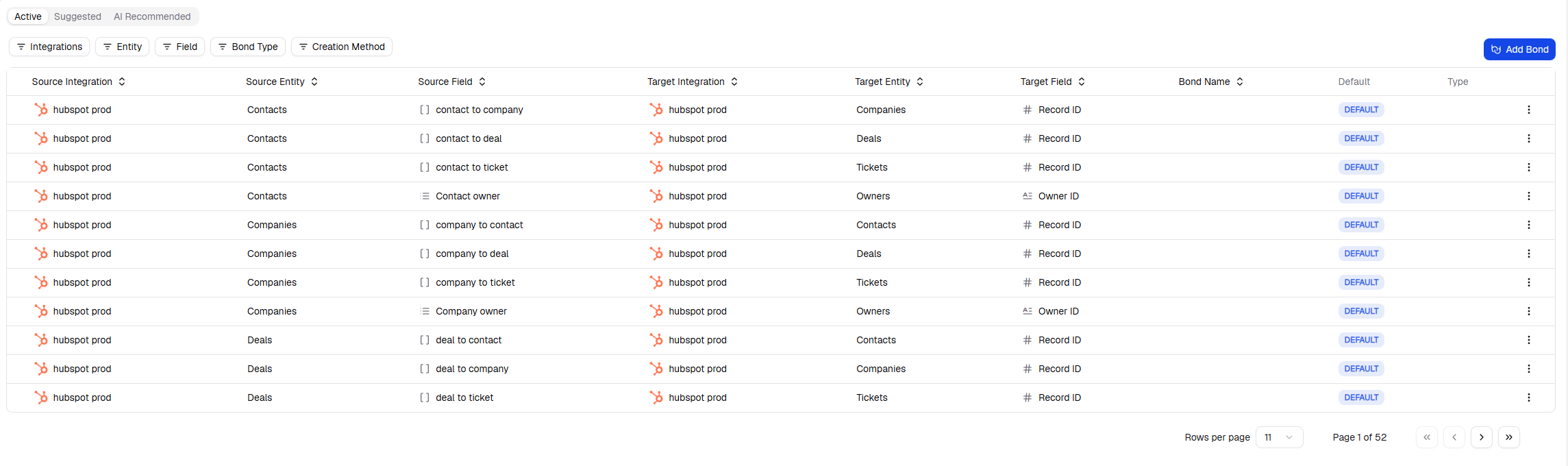
Shows all confirmed bonds with:
* Source and target integrations and fields
* The **Default** field used for matching
* **Bond Type** - probability-based or compounded
### Active tab
Shows all confirmed bonds with:
* Source and target integrations and fields
* The **Default** field used for matching
* **Bond Type** - probability-based or compounded
 ### Suggested tab
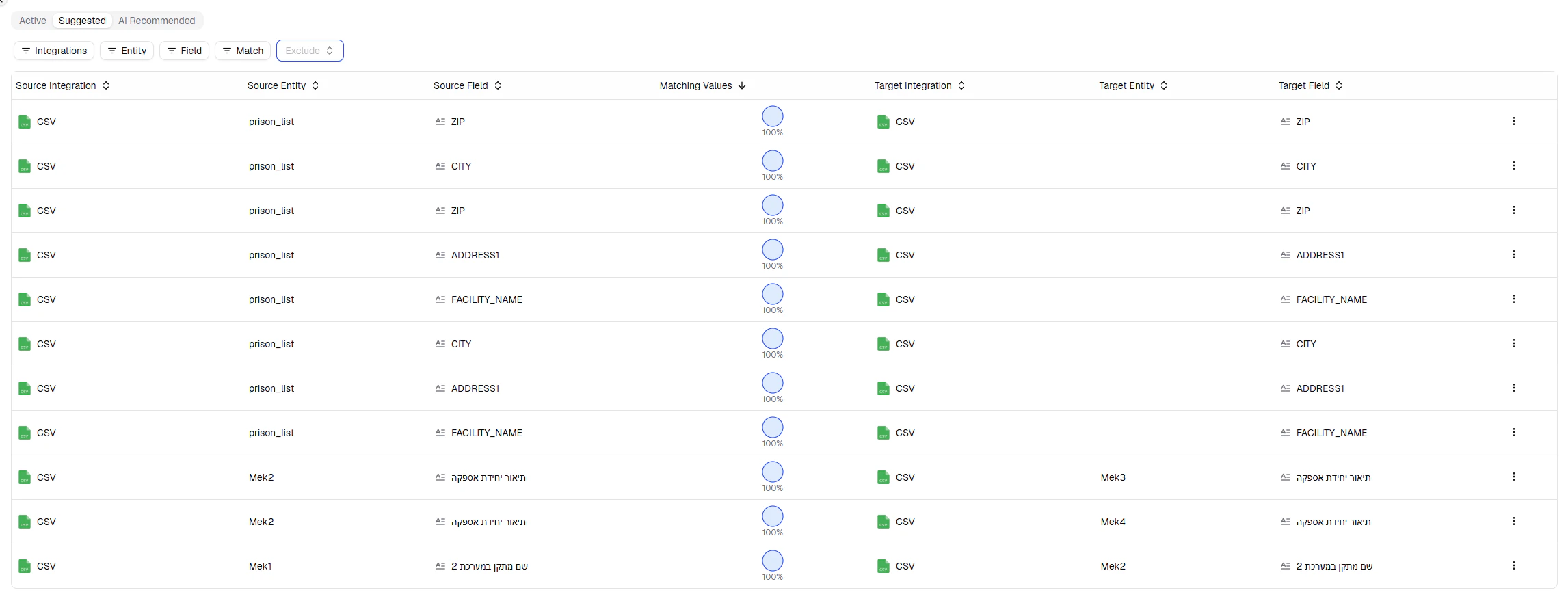
Shows AI-discovered connections with:
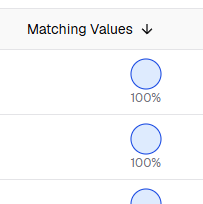
* **Matching Values** - confidence score
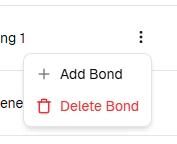
* **Actions** - approve or reject via the three-dots menu
### Suggested tab
Shows AI-discovered connections with:
* **Matching Values** - confidence score
* **Actions** - approve or reject via the three-dots menu
 ## Create a Bond manually
You can define custom relationships between any two systems.
On the Bonds page, click **Add Bond** (top right).
Pick two systems, then choose which fields to link. Add multiple field pairs for complex matching (e.g., match only when both First Name and Last Name align).
Choose **exact match** or **partial match**. For partial matches, set a confidence threshold (e.g., 90–100%) to handle typos and minor differences.
Manual bonds work exactly like confirmed bonds - they appear in the Active tab and are available for use in Agents.
## Data Map
The Data Map (**Data > Data Map**) provides a visual representation of all your bonds.
## Create a Bond manually
You can define custom relationships between any two systems.
On the Bonds page, click **Add Bond** (top right).
Pick two systems, then choose which fields to link. Add multiple field pairs for complex matching (e.g., match only when both First Name and Last Name align).
Choose **exact match** or **partial match**. For partial matches, set a confidence threshold (e.g., 90–100%) to handle typos and minor differences.
Manual bonds work exactly like confirmed bonds - they appear in the Active tab and are available for use in Agents.
## Data Map
The Data Map (**Data > Data Map**) provides a visual representation of all your bonds.
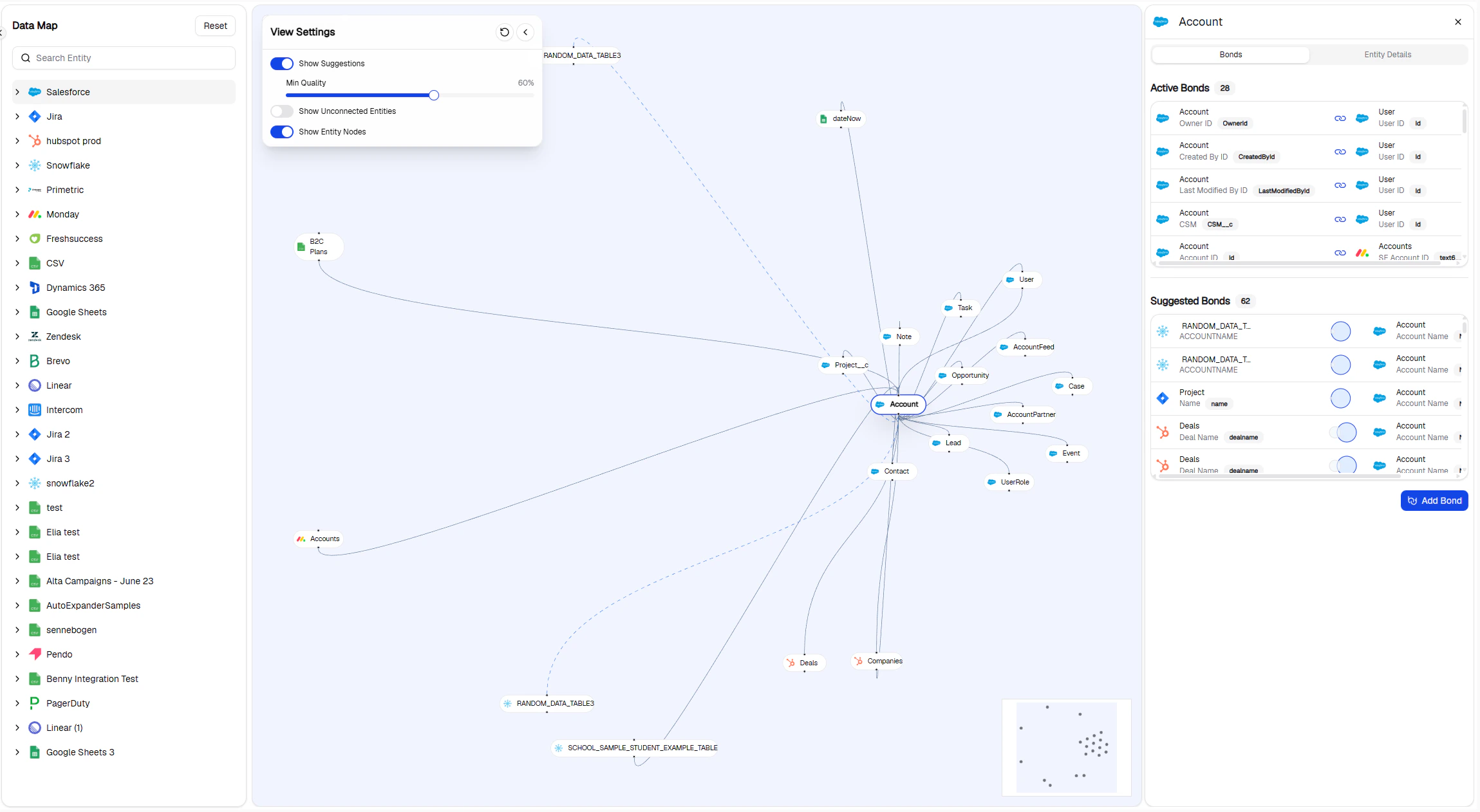
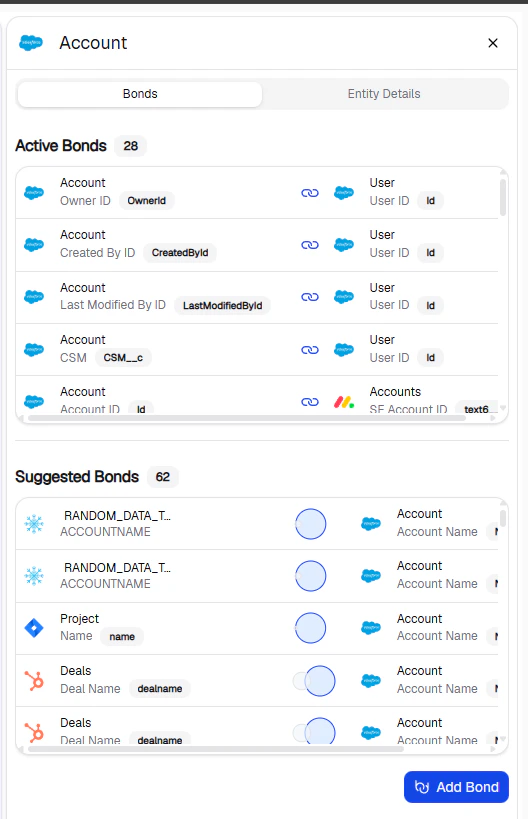
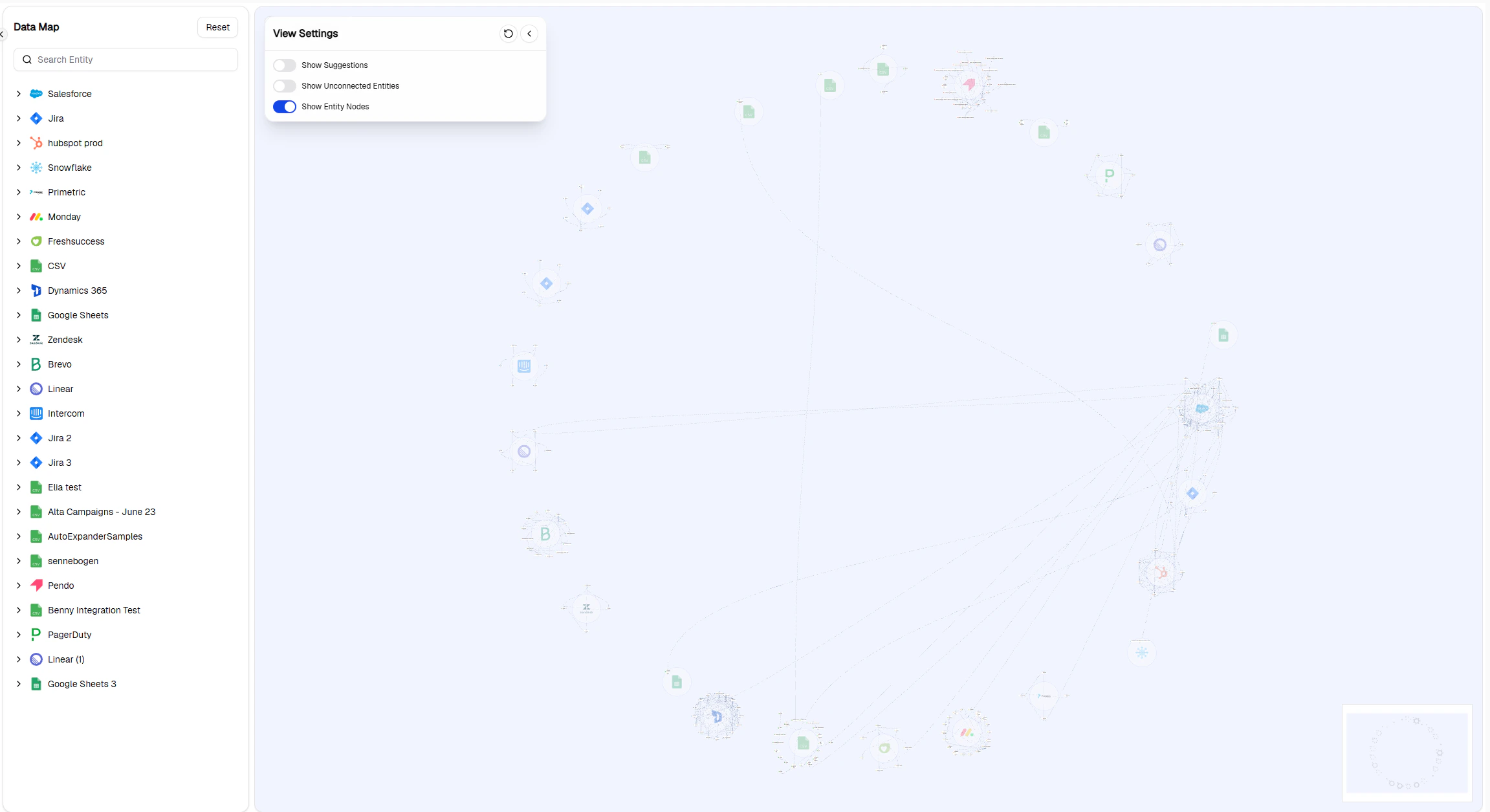 Click any entity to open a drawer with its active and suggested bonds. You can approve suggestions directly from here.
 ## Filtering
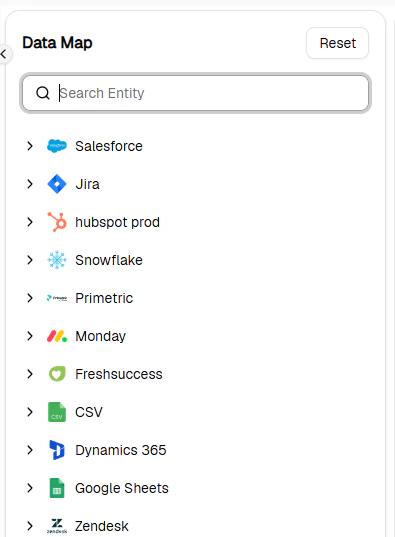
Use the search and filter panel on the left to narrow down by system, entity, or bond type.
## Filtering
Use the search and filter panel on the left to narrow down by system, entity, or bond type.
 ## Data security
BonData does not store raw data - only metadata, connection details, and hashed values. Data is accessed only when executing Agents. The platform is GDPR and SOC II compliant.
## Data security
BonData does not store raw data - only metadata, connection details, and hashed values. Data is accessed only when executing Agents. The platform is GDPR and SOC II compliant.