> ## Documentation Index
> Fetch the complete documentation index at: https://docs.bondata.ai/llms.txt
> Use this file to discover all available pages before exploring further.
# Monitoring & Troubleshooting
> Track Agent execution, manage tasks, and resolve issues
## Agent Dashboard
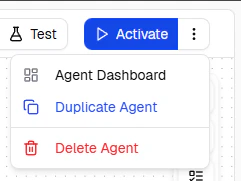
Access the dashboard via the **three-dots menu** next to the Activate button, then select **Agent Dashboard**.
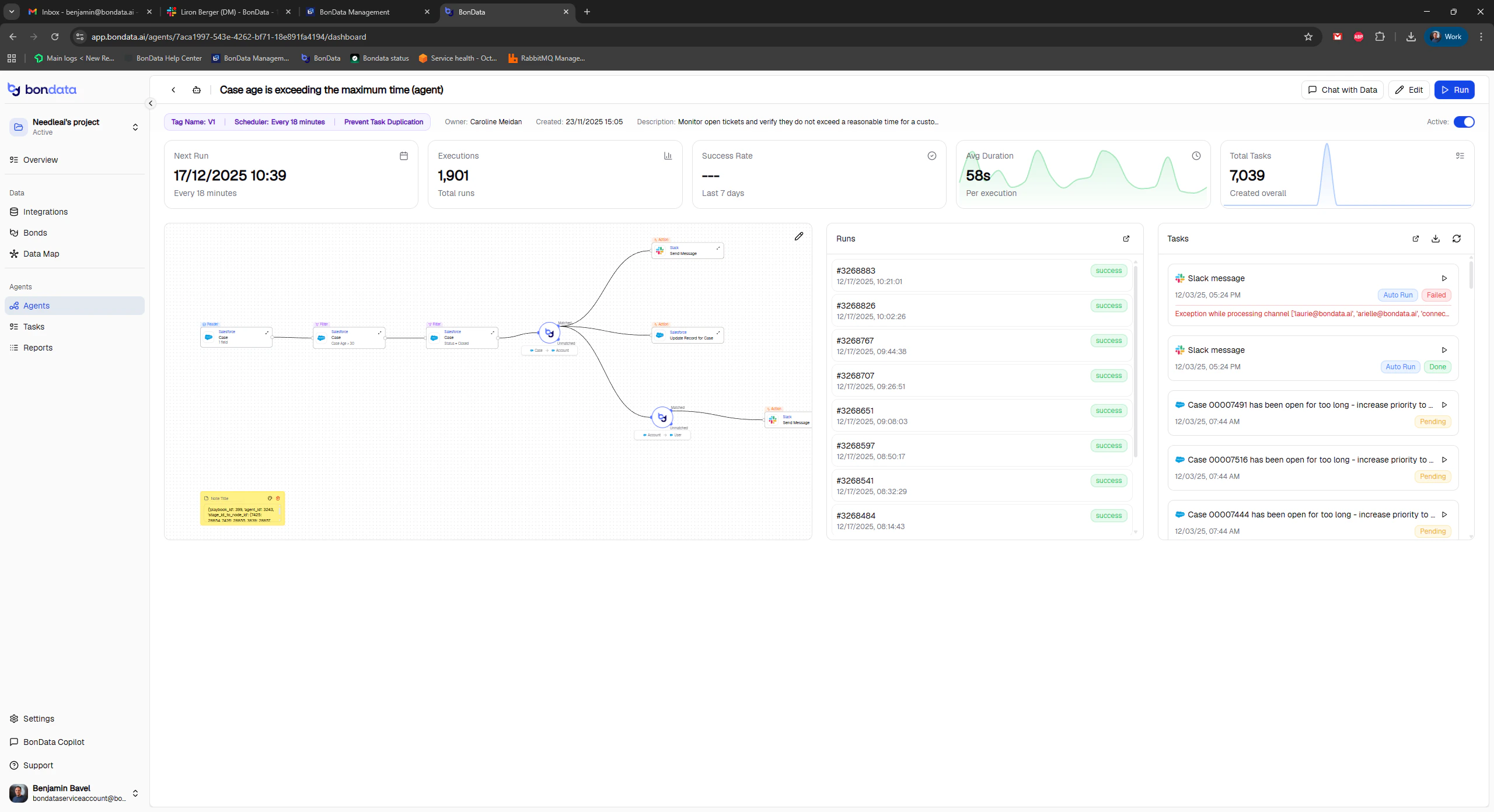 ### Key metrics
| Metric | Description |
| -------------------- | ---------------------------------- |
| **Agent Schedule** | Scheduled time and next run |
| **Executions** | Total number of runs |
| **Average Duration** | Mean runtime across all executions |
| **Total Tasks** | Cumulative tasks generated |
### Key metrics
| Metric | Description |
| -------------------- | ---------------------------------- |
| **Agent Schedule** | Scheduled time and next run |
| **Executions** | Total number of runs |
| **Average Duration** | Mean runtime across all executions |
| **Total Tasks** | Cumulative tasks generated |
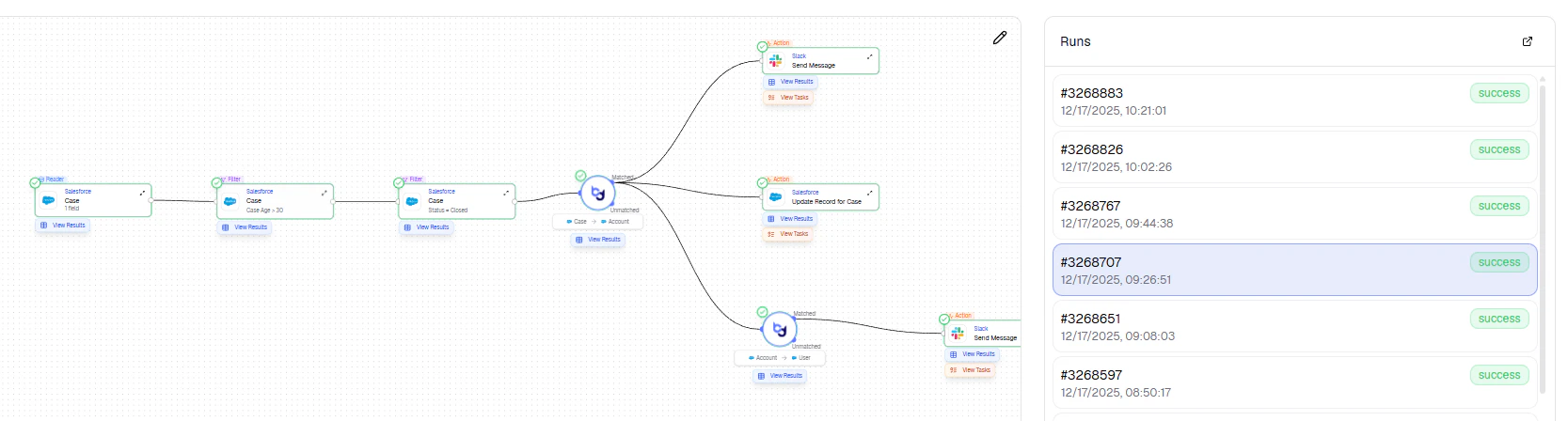
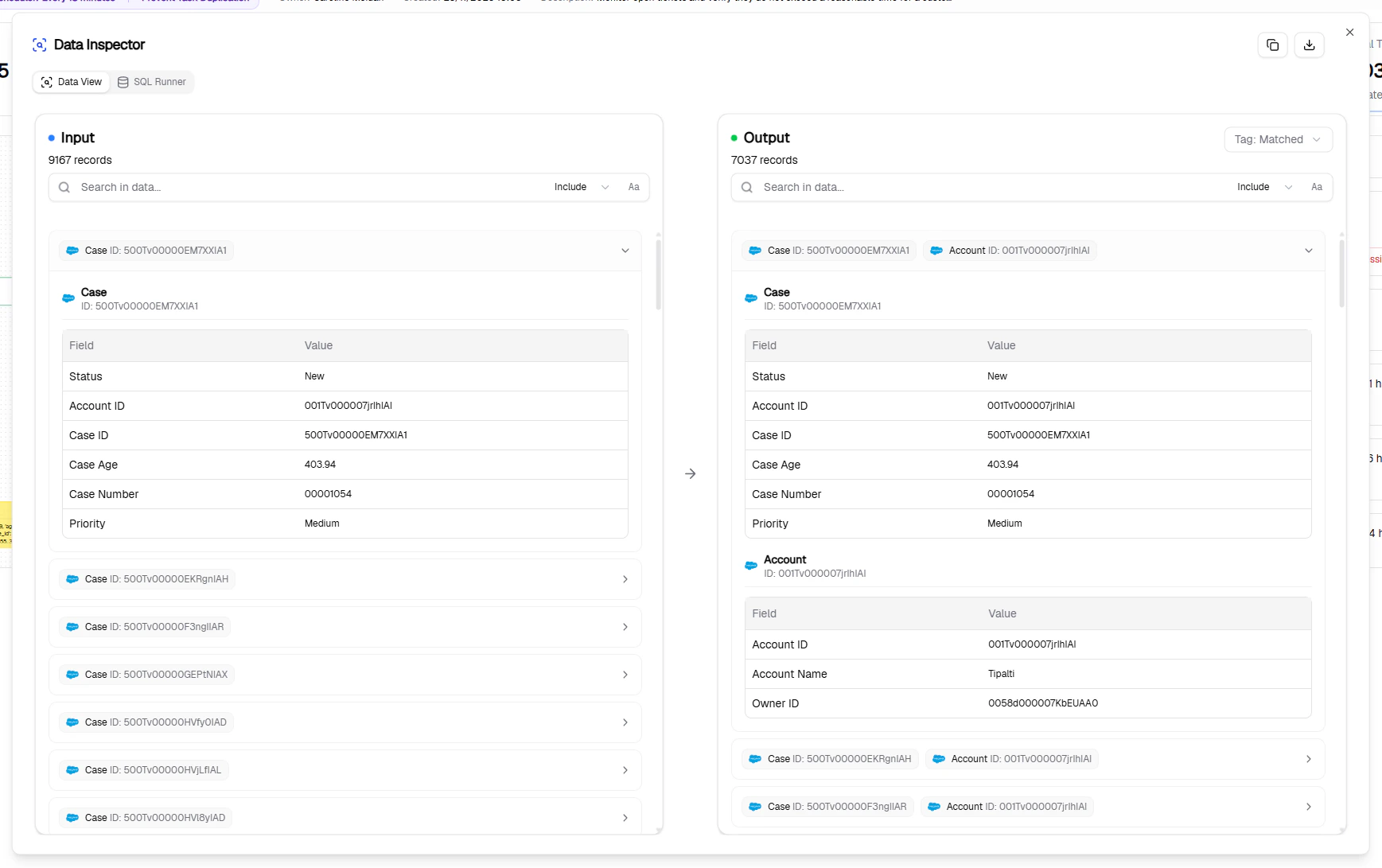
 Select individual runs to review results, or click **View Results** for a detailed breakdown.
## Report
The Report page shows execution-level data:
Select individual runs to review results, or click **View Results** for a detailed breakdown.
## Report
The Report page shows execution-level data:
 | Field | Description |
| ------------------------- | --------------------------- |
| **Run At / Completed At** | Start and finish timestamps |
| **Run By** | Who triggered the run |
| **Status** | Success or failure |
| **Number of Results** | Records matching filters |
## Tasks
| Field | Description |
| ------------------------- | --------------------------- |
| **Run At / Completed At** | Start and finish timestamps |
| **Run By** | Who triggered the run |
| **Status** | Success or failure |
| **Number of Results** | Records matching filters |
## Tasks
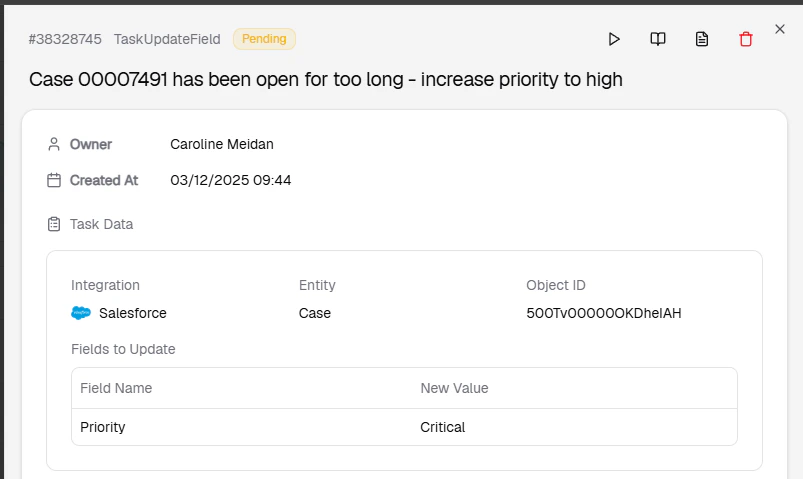
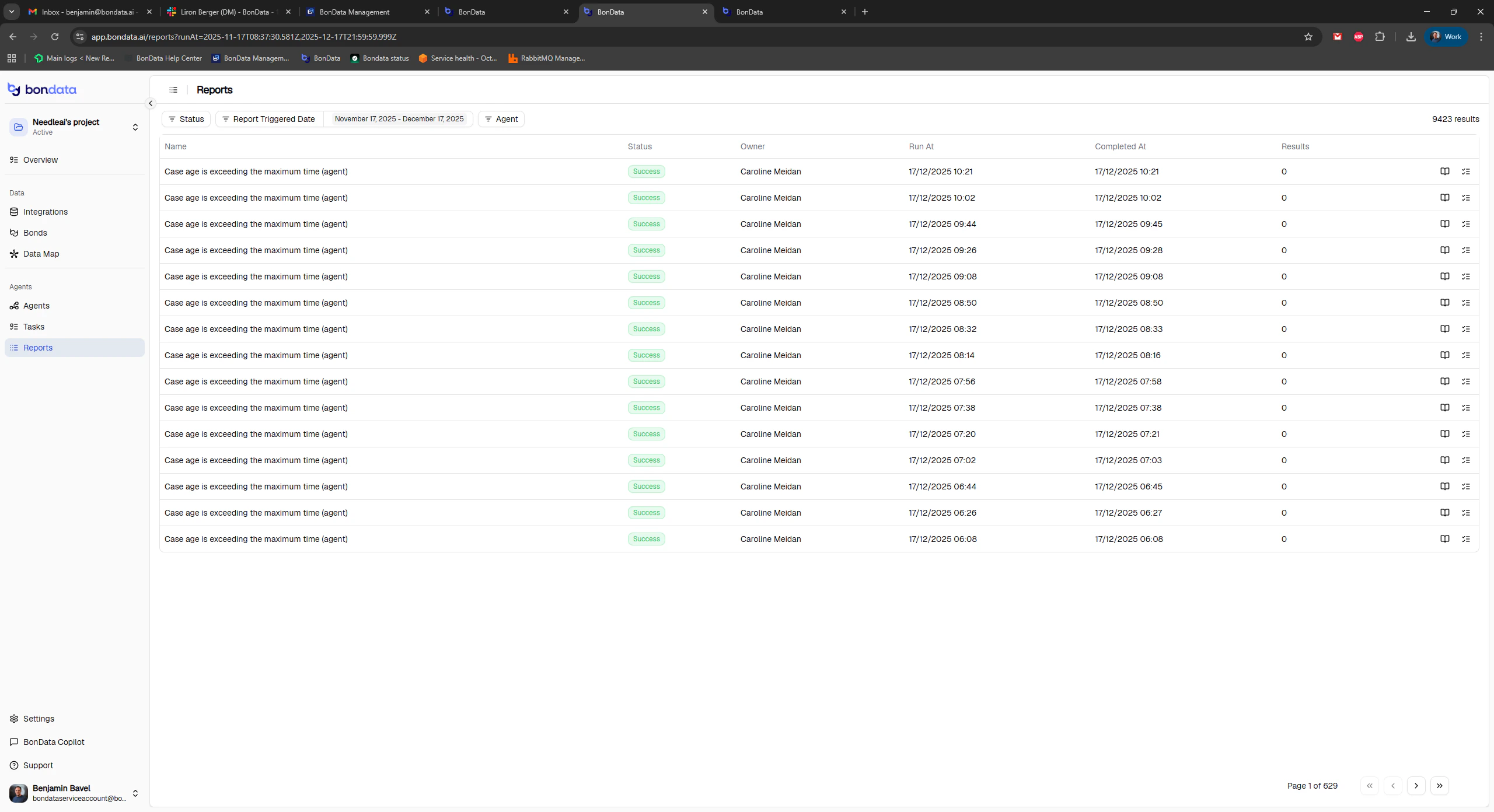
 Each matched record generates a separate task. Monitor:
* **Status** - Success, Failed, or Pending
* **Error messages** - permission issues, invalid data, field mismatches
Each matched record generates a separate task. Monitor:
* **Status** - Success, Failed, or Pending
* **Error messages** - permission issues, invalid data, field mismatches
 ## Data load status
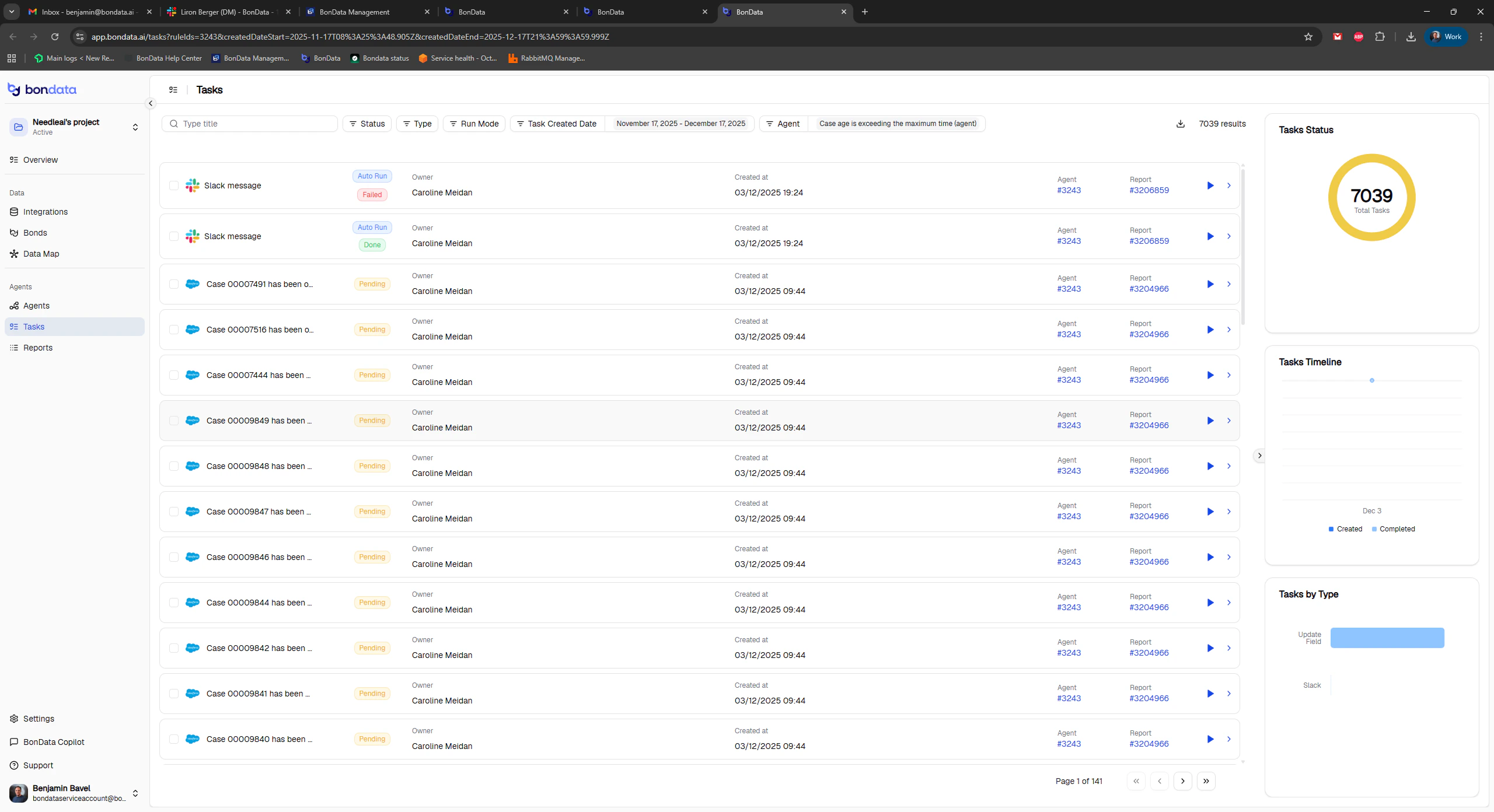
Before an Agent can run, both metadata and data must be loaded for the relevant entities.
## Data load status
Before an Agent can run, both metadata and data must be loaded for the relevant entities.
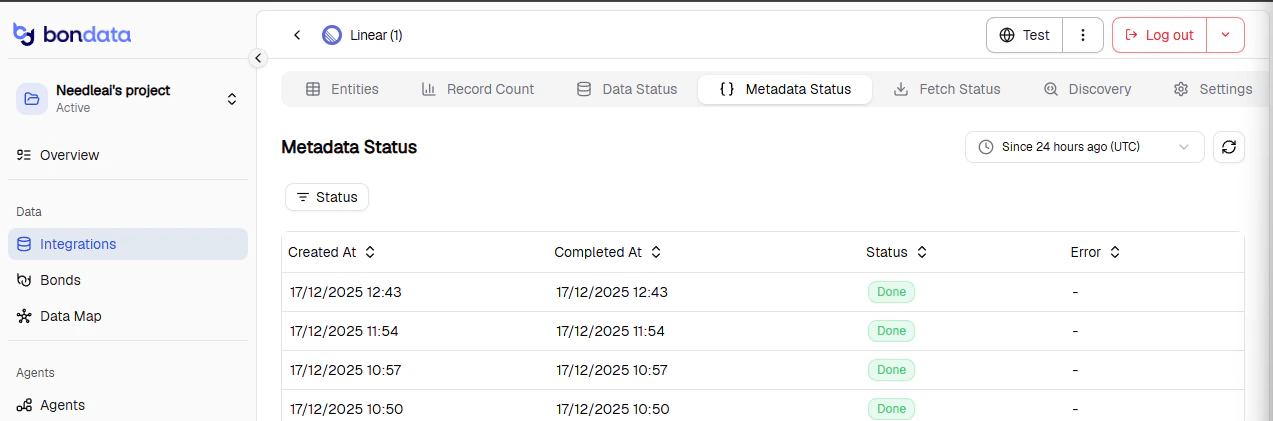
 ### Verify load status
1. Go to **Integrations** and find the relevant entity
2. Check that **Data Status** shows **Done**
3. Check that **MetaData Status** shows **Done**
### Trigger a manual reload
If data has changed significantly:
### Verify load status
1. Go to **Integrations** and find the relevant entity
2. Check that **Data Status** shows **Done**
3. Check that **MetaData Status** shows **Done**
### Trigger a manual reload
If data has changed significantly:
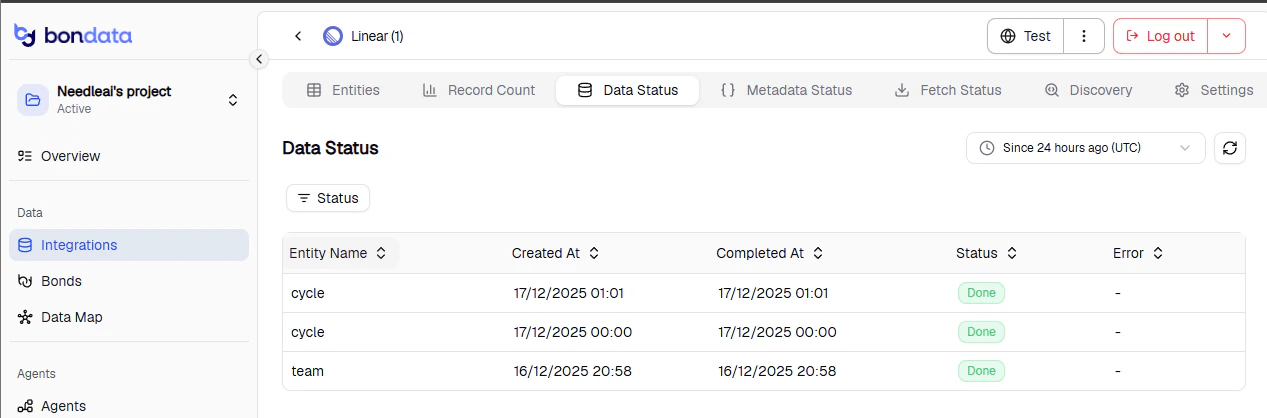 1. Click the **three-dots menu** next to the Test button
2. Select **Load Metadata** - wait for completion
3. Select **Load Data** to fetch recent updates
1. Click the **three-dots menu** next to the Test button
2. Select **Load Metadata** - wait for completion
3. Select **Load Data** to fetch recent updates
 ## Troubleshooting
| Problem | Solution |
| ------------------------------ | ------------------------------------------------------------ |
| Too many tasks generated | Narrow your filter conditions |
| Tasks failing with data errors | Check field mapping, data types, and integration permissions |
| Agent not running | Verify data/metadata load status is "Done" |
| Unexpected task volume spike | Review filter logic for overly broad conditions |
## Troubleshooting
| Problem | Solution |
| ------------------------------ | ------------------------------------------------------------ |
| Too many tasks generated | Narrow your filter conditions |
| Tasks failing with data errors | Check field mapping, data types, and integration permissions |
| Agent not running | Verify data/metadata load status is "Done" |
| Unexpected task volume spike | Review filter logic for overly broad conditions |